AEG L8FBE48SCI Instrukcja
Oto AEG L8FBE48SCI (pralka) instrukcja użytkownika. 60 strony w języku Nederlands o wadze 4.8 Mb. Jeśli nie możesz znaleźć odpowiedzi na swoje pytanie Zapytaj naszą społeczność.
Strona 1/60
ProductSheet
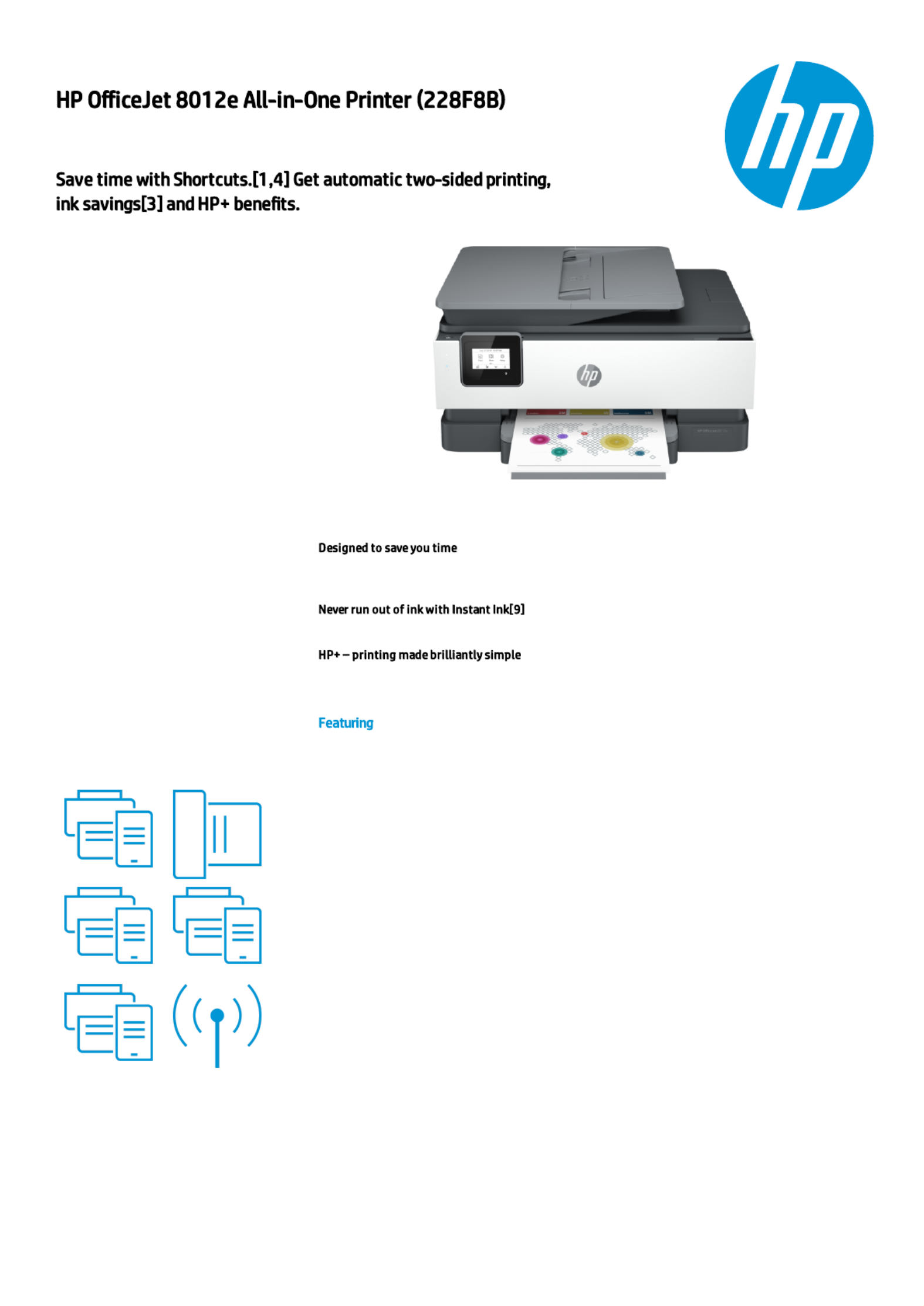
The smart printer that gets works done.
Save time with Shortcuts[1,4] and get
automatic two-sided printing. Print and
scan from your phone.[1] Choose HP+ at
setup to receive 6 months of Instant Ink
[6] and an extended (up to 3 years) HP
warranty.[12]
Eliminate steps in repetitive tasks, using Shortcuts.[1] Scan to the cloud, email, and more – in a
tap.[1]
Enroll to Instant Ink to get ink, plus hassle-free delivery and recycling while saving up to 70%.[8]
With HP+, get connected cloud that automatically detects and xes connectivity issues.[10]
Customizable shortcuts on your phone
[1]
Hands-free. Auto-fed
Ready when you are [1]
Printing just got more productive
[1]
Amazing scanning, now on your smartphone
Your reliable connection [2]
Generated by Dynamic Collateral Tool – (ww-en) – Apr 15, 2021 7:53 AM UTC+0000
Rozwiązywanie problemów AEG L8FBE48SCI
Jeśli dokładnie przeczytałeś instrukcję, ale nie znalazłeś rozwiązania swojego problemu, poproś o pomoc innych użytkowników
Specyfikacje
| Marka: | AEG |
| Kategoria: | pralka |
| Model: | L8FBE48SCI |